Law · 7 November 2026 · 4 minute read
Setting up a cookie banner: asking for analytics consent properly
Setting up a cookie banner for B2B websites: categories, equal buttons, consent in the tag manager, withdrawal and documentation. With sources.
A cookie banner is not a compulsory exercise but the place where visitors decide whether analytics and advertising may run on their device. Whether consent is needed and on which legal basis processing then takes place is explained in Consent or legitimate interest: how to decide. This article starts one step later: how do you set up the banner so that the visitors' decision is valid and provable?
It is a sober orientation and not legal advice.
The three categories
Most banners work with three groups:
| Category | Examples | Consent needed? |
|---|---|---|
| Necessary | Session, shopping basket, security, storing the banner decision | Generally no, because technically required |
| Analytics | Reach measurement, heatmaps, visitor identification | In Germany and Austria generally yes |
| Marketing | Ad pixels, remarketing, embedding of networks | Yes |
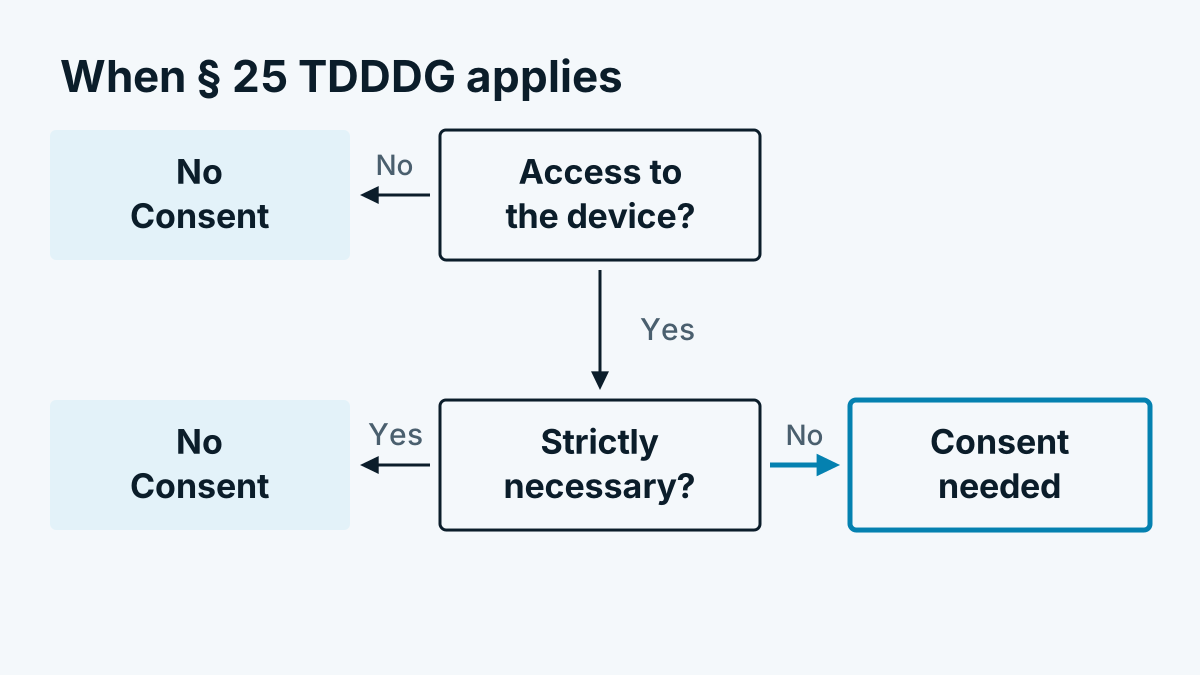
The legal basis for device access is § 25 TDDDG in Germany and § 165 Abs. 3 TKG 2021 in Austria. Only what is required for the service requested by the visitor counts as necessary. According to the German supervisory authorities, analytics generally does not belong there. Sort every script on your site into a category. For a list of all services, a look at the network tab of the browser or a list kept by your developer helps.
Accept and reject on equal terms
The most common defect is a large, coloured „Accept all“ button next to a hidden link to reject. In their guidance on telemedia, the German supervisory authorities expect rejection to be as easy as consent. Anyone who offers an „Accept all“ on the first layer should also offer a „Reject all“ there. The report of the cookie banner taskforce of the European Data Protection Board of January 2023 also deals with this question. There the authorities mostly considered a reject option necessary, though individual authorities took a different view. Therefore plan with the stricter line.
Practical rules:
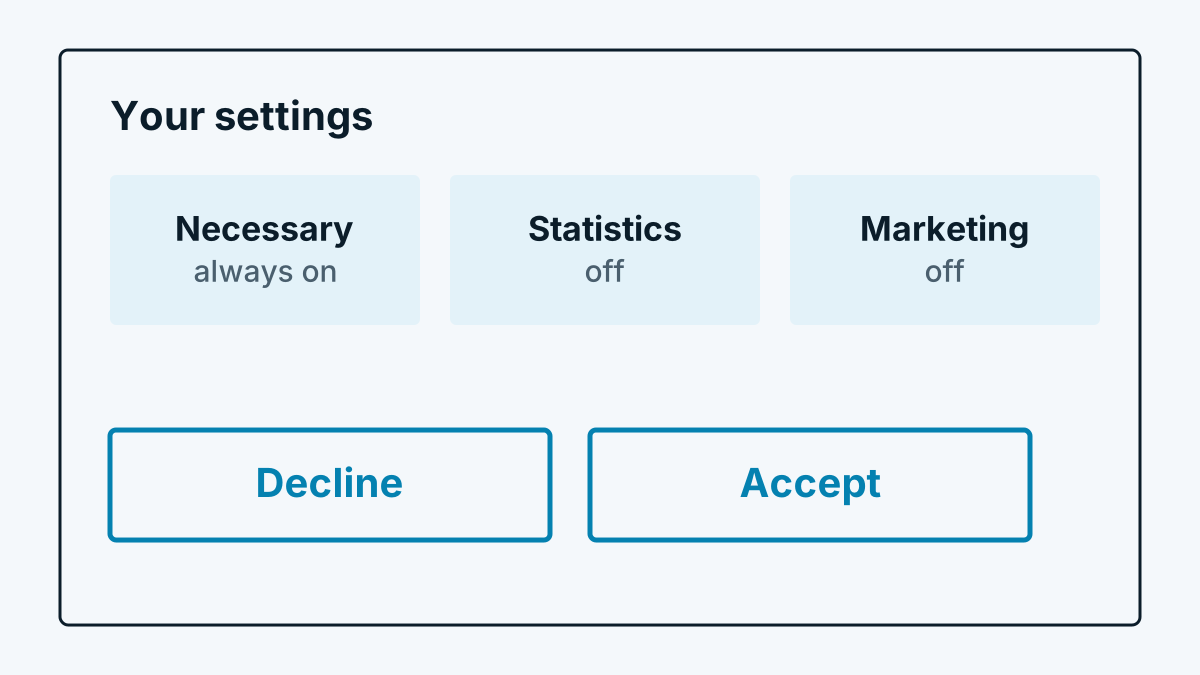
- Same size, same prominence. Both buttons with a similar shape, font and contrast.
- Same layer. No detour via „Settings“ only for rejecting.
- Nothing pre-ticked. Categories other than „Necessary“ are set to „off“.
- Clear words. „Accept“ and „Reject“ are more understandable than „Got it“ or „Continue“.
- No coercion. The site must remain usable after rejection. Scrolling on or clicking on is not consent (see EDPB Guidelines 05/2020 on consent).
Consent in the tag manager
The banner decides, the tag manager executes. So that the two fit together:
- Analytics scripts fire only after consent. In the tag manager you attach them to the consent check or to an event that the banner sends after consent.
- The banner reports the decision to the tag manager. Without this hand-over, scripts run either always or never.
- Google services know Consent Mode. It transmits consent status to Google tags (Google: Consent Mode). It does not replace the banner. Whether and how you use it, clarify with your data protection adviser.
- Counter-check. Open the page in a fresh browser window, reject, and check in the network tab that no requests go to analytics or advertising services.
Withdrawal
Under Art. 7(3) GDPR, consent must be as easy to withdraw as to give (GDPR, EUR-Lex). That means: a permanently reachable link („Cookie settings“) in the footer of every page that reopens the banner. After a withdrawal, the scripts stop on the next page view. Services that have already received data are not affected by this, but your privacy policy should say how the data is treated afterwards.
Documentation
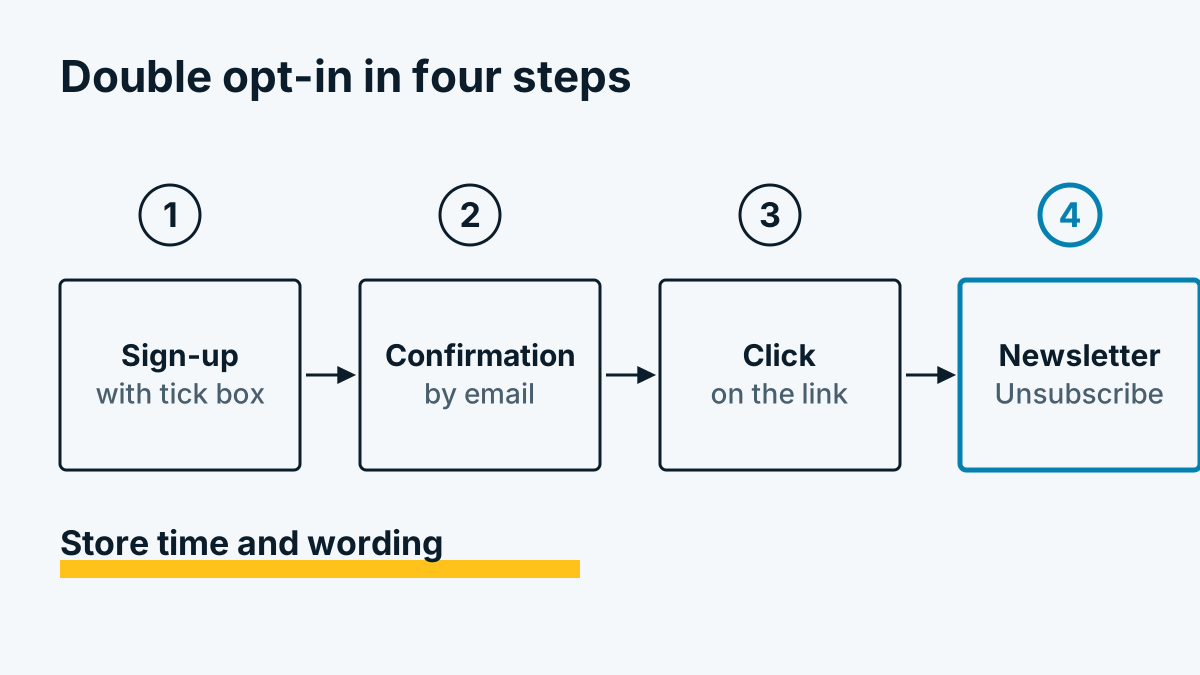
Under Art. 7(1) GDPR you must be able to demonstrate that consent exists. A log with the following is usual:
- time of the decision,
- version of the banner text,
- categories chosen,
- a random identifier that refers to the visitor without naming them.
Also record which services were in which category. If you change services or purposes, ask again. An old consent does not cover new purposes.
Switzerland
In Switzerland, scripts are subject to an information and opt-out logic, not prior consent (Art. 45c of the Telecommunications Act). If you have visitors from the EU, a single banner to EU standard is usually the simplest approach. The topic is explored further in Visitor identification and GDPR: a sober assessment.
Frequently asked questions
Can I do without a banner? Only if your site loads no scripts that require consent, that is, neither analytics nor advertising nor embedded services with device access. The duty to inform in the privacy policy then remains.
Is a notice „We use cookies“ with an „OK“ button enough? Not for analytics and marketing. The choice is missing. Consent must be given freely and with information.
How often may I show the banner again? The law does not state a fixed period. A period of several months or a change of services is usual. Do not ask again at every visit, as that comes across as pressure.