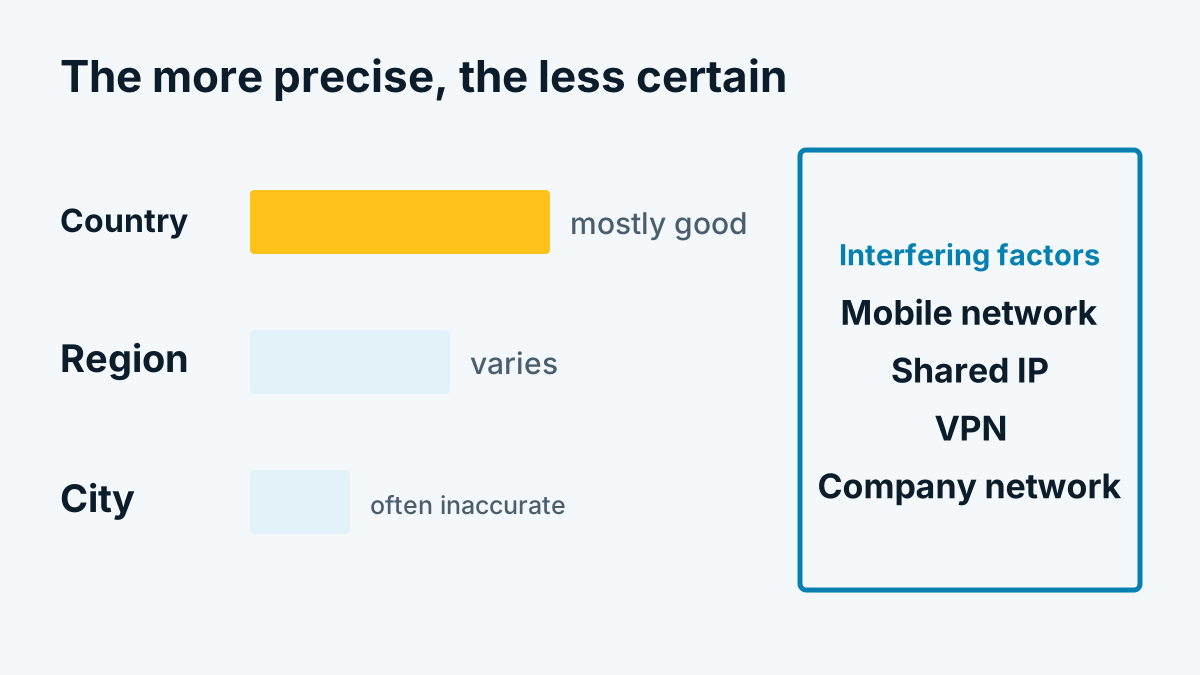
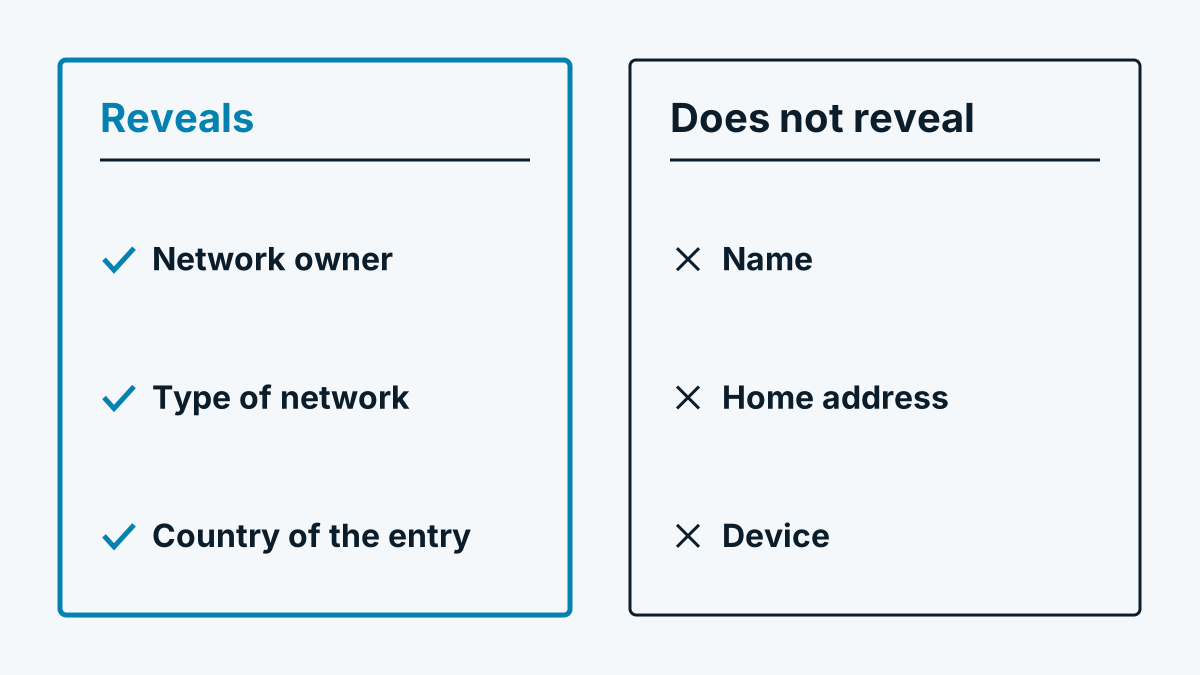
Technology · 7 November 2026 · 5 minute read
Home office, VPN and mobile networks: who you cannot see
Why many company visits are missing in visitor identification: home office, shared mobile addresses, VPN and IPv6 explained clearly.
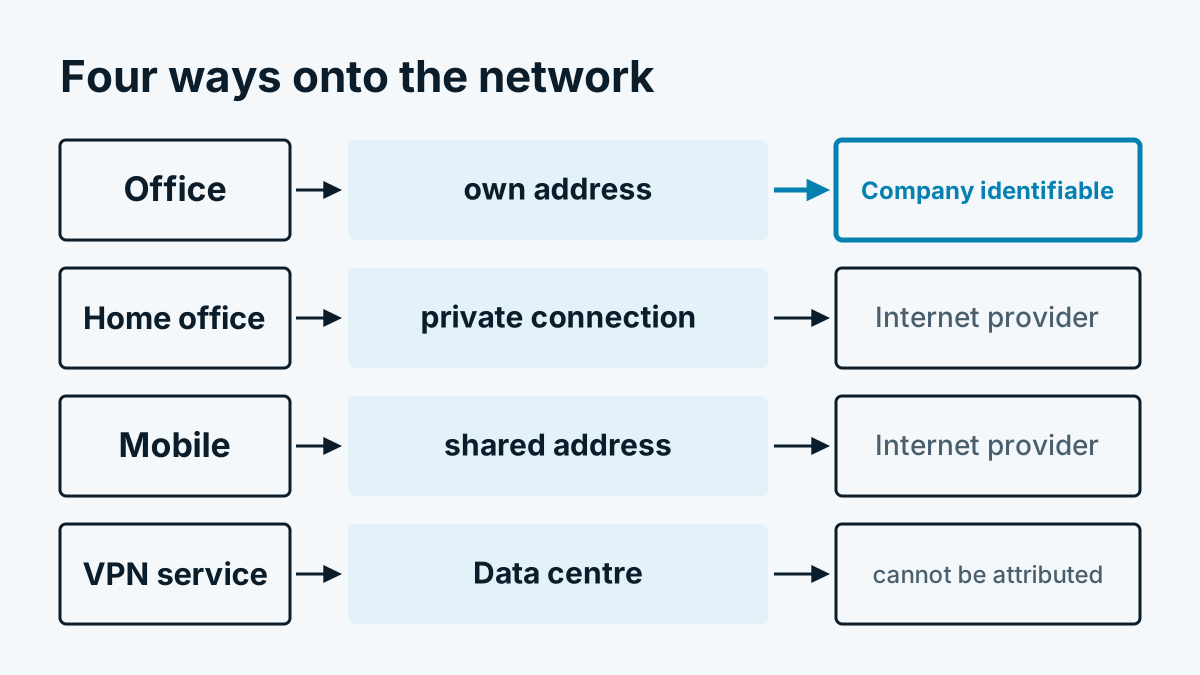
Anyone using visitor identification sooner or later asks the same question: why does the prospect who was still on the phone with us yesterday not appear in the list? Usually it is not down to the technology in detail but to the route the visit took onto the network. A large part of company visits does not come from the company network at all.
How internet providers assign addresses
Every connection to your website comes from an IP address. This address belongs to a network. The network has an owner who is listed in a public registry. Visitor identification queries this registry. What it finds there depends on the connection through which the visitor happens to be online.
Three cases come up constantly in everyday use:
- Private connection in the home office: The address belongs to the internet provider, not the employer. The registry lists the provider. The employer does not appear in it, even if the computer belongs to them.
- Changing addresses: Many connections are assigned their address dynamically. The same person appears tomorrow under a different address from the same provider range.
- Mobile networks: Here very many customers often share a single public IPv4 address. The procedure is called carrier-grade NAT. Within the provider's network, devices often use the address range 100.64.0.0/10 reserved for this purpose (RFC 6598). Outwardly, your website sees only the provider's shared address.
In all three cases the registry's honest answer is: this is an internet provider. Good visitor identification classifies such visits as provider and merely counts them, instead of guessing a company.
Company VPN versus private VPN service
A VPN changes the address under which a visit arrives at your site. Whether this helps or harms depends on where the tunnel leads.
| Type of VPN | Where the visit enters the network | Consequence for identification |
|---|---|---|
| Company VPN, all traffic via the company network | In the company network with its own address | Company can be identified |
| Company VPN, only internal destinations through the tunnel | At the internet provider at home | Like a normal home office visit |
| Private VPN service | In the service's data centre | Classified as data centre |
| Relay services of large providers | In the relay operator's network | Classified as data centre |
Depending on the set-up, a company VPN can therefore mean that the visit arrives exactly via the company address. That depends solely on the configuration in the visitor's IT. You cannot influence it. With private VPN services the situation is clear: the address belongs to a host. A host is not a company that buys from you.
IPv6: assignment depends on clean registration
Besides IPv4 there is IPv6, with a huge address space. Here too: what is identified is what is in the registry. Providers usually allocate whole address blocks to customers. Whether a customer with its own block is also registered individually is up to the provider. Many do not register customer blocks individually, in which case only the provider appears in the entry.
This has a practical consequence. One and the same company computer can arrive via IPv4 with the company address and via IPv6 with an address assigned only to the provider. Which route the browser chooses depends on whether your measuring service is reachable via IPv6. Check with a provider whether it takes this into account. A service that is reachable only via IPv4 loses no visits here to IPv6 addresses without a company entry.
The exception: reverse lookup
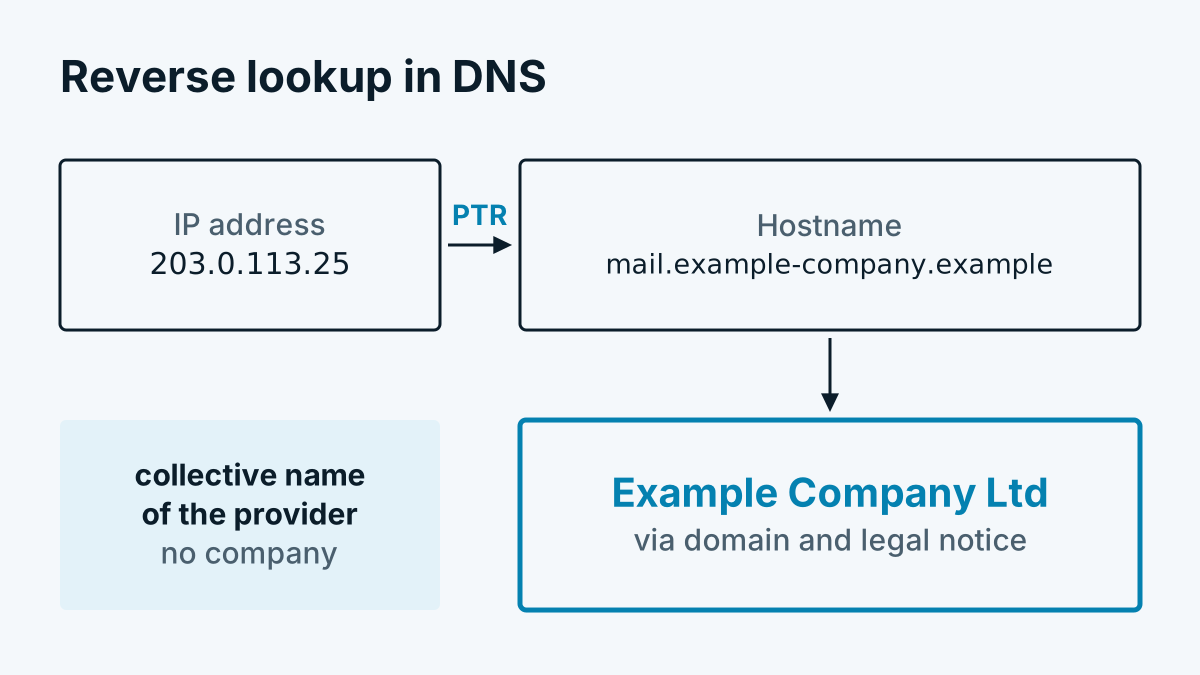
There is a way to arrive at a company even behind a provider network. Companies with a leased line often register their own hostname for their address, such as the name of the mail server with their own domain. The procedure is called reverse lookup, technically a PTR query. From the name, the company's domain can then be read off. Exactly how this works and where it ends is explained in PTR record: how a hostname becomes a company.
Whovisit does this additionally for provider networks. But it affects only fixed company connections. Someone sitting in a home office generally has no such entry.
What this means for your analysis
Take the list of identified companies as a minimum set. It shows you who was reliably identified. It does not show who was there in total. Three habits help in everyday use:
- Read counts instead of individual cases. How many visits came from providers, how many from data centres, how many from companies? If the share changes sharply, a look at the installation is worthwhile.
- Do not treat missing customers as an error. A known contact who is missing from the list was very probably working from home or on the move with mobile.
- Compare figures over longer periods. Individual days fluctuate with holiday periods, home office days and trade fairs.
How high the share can be and why statements on it are so far apart is explained in Identification rate: why the figures vary so much. The basics of looking things up in the registry are in Reverse IP lookup explained simply. If no companies at all appear in your report, Why do I not see any companies? helps with troubleshooting.