Technology · 7 November 2026 · 7 minute read
PTR record: how a host name turns into a company
The PTR record assigns a host name to an IP address. How to read it, recognise generic names and get from the domain to the company.
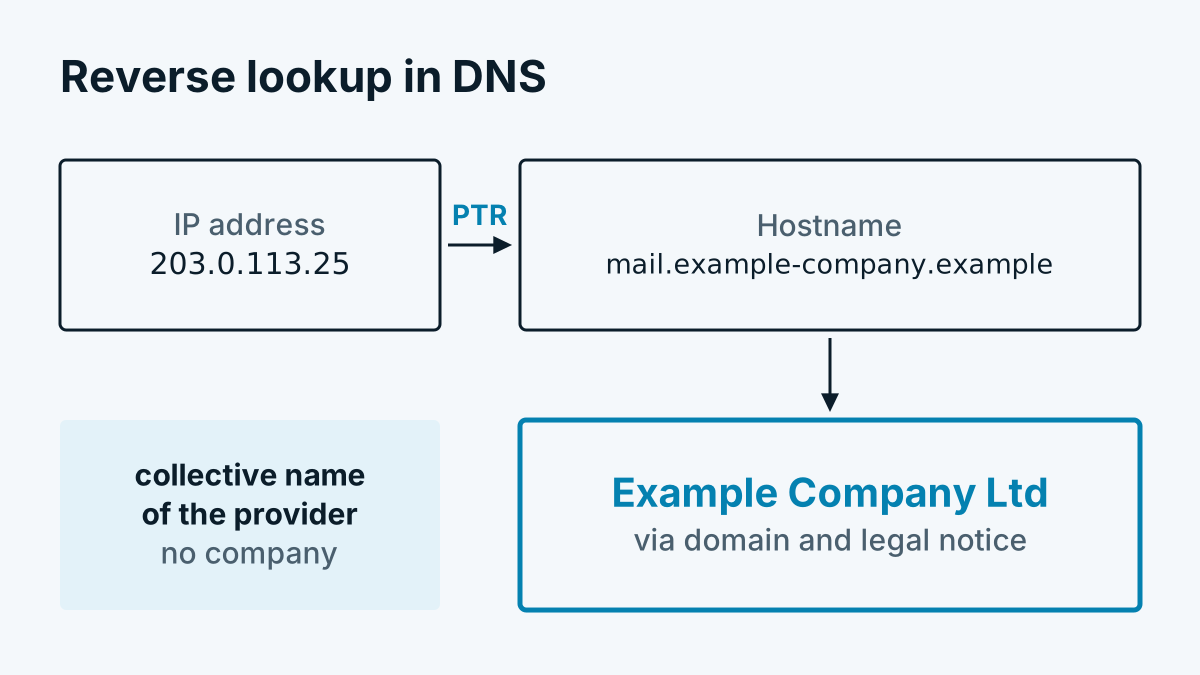
Anyone who wants to know who owns an IP address usually looks in the network directory, for European addresses that is the RIPE database. There is a second route that is often overlooked: the reverse lookup in DNS. Here you do not ask „Who owns the network?“ but „What is the host behind this address called?“. If the name contains a company's domain, you have a usable hint.
This article explains what a PTR record is, who sets it, how to tell usable entries from worthless ones and where the method reaches its limits. The network directory route is described in Reverse IP lookup explained simply.
What a PTR record is
DNS knows two directions. Normally you ask for a name and get an address (an A or AAAA record). The PTR record (pointer record) is the opposite direction: for an address it returns a name.
Technically, the address is reversed for this and given a special ending. 203.0.113.25 becomes the query 25.113.0.203.in-addr.arpa. For IPv6 the ending is ip6.arpa. The address is reversed character by character. The answer is a host name, such as mail.beispiel-firma.example.
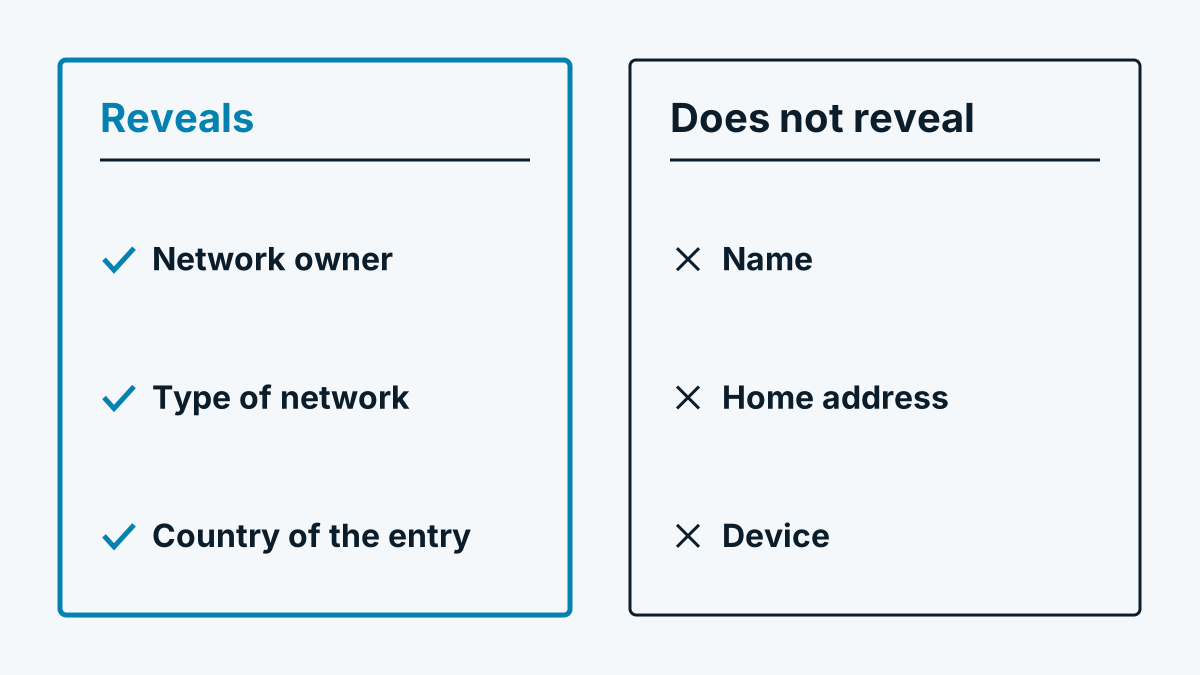
Important: a PTR record is voluntary. There are addresses without a record. The record does not have to match the forward record. It is a hint, not proof.
Who sets it
The PTR record is maintained by whoever manages the address block:
- Providers usually set automatically generated generic names for their customer connections.
- Companies with their own address block maintain the records themselves and often enter their own domain.
- Business connections get a record with the customer's domain from some providers on request. This happens mainly with mail servers, because many recipients reject mail from addresses without a matching host name.
It follows that a record with its own domain is a sign that someone has deliberately taken care of the address. An automatically generated name only says something about the provider.
Recognising patterns: generic name or own domain
The host name consists of two parts: the front part (mail, pool-1-2-3-4) and the registrable domain at the end (beispiel-firma.example). The domain tells you the operator; the front part tells you whether the name was assigned by hand or automatically.
Typical signs of a generic name that reveals no company:
- Parts of the address appear in the name:
203-0-113-25.provider.exampleor25.113.0.203.provider.example - Words such as
dyn,dynamic,dial,pool,dsl,adsl,cable,cust,customer,mobile,lte,static,nat,cgn,client - A domain that clearly belongs to a provider, hoster or data centre
Typical signs of a usable name:
- A meaningful front part such as
mail,gw,fw,vpn,proxyorsmtp - No address parts in the name
- A domain that clearly belongs to a company and not to the provider
| Host name (invented example) | Assessment |
|---|---|
dyn-203-0-113-25.dsl.provider.example | Generic name of the provider, says nothing about the connection holder |
pool-25.cust.provider.example | Generic name, customer connection |
mail.beispiel-firma.example | Own domain, candidate for a company assignment |
vpn.beispiel-firma.example | Own domain, candidate for a company assignment |
ec2-203-0-113-25.compute.cloud.example | Data centre, a customer of the hoster, not the hoster itself |
The table also shows a trap: if the domain comes from the provider or hoster, the name gets you nothing, even if it looks nice. A usable evaluation therefore needs a list of known provider and hoster domains that are excluded.
From the domain to the company
A domain is not yet a company. The usual route to the company is via the website behind the domain:
- Determine the registrable domain.
mail.beispiel-firma.examplebecomesbeispiel-firma.example. With endings such asco.uk, three parts count. - Open the legal notice. In Germany, Austria and Switzerland, commercial websites must name the operator, usually with the legal form (GmbH, AG, KG and so on).
- Read out the legal name and check whether it belongs to a legal entity and not to a private individual.
Text search has limits. Legal notices are not uniformly structured, and some pages load content only later by script. Sometimes the legal notice names an agency or a parent group. An automatic assignment therefore remains a suggestion that a human checks in case of doubt. Alternatively, company databases supply the company name for a domain; that too is never complete.
Trying it yourself
You need no special software. On macOS and Linux there is dig, on Windows nslookup. The examples use 203.0.113.25, an address from the range reserved for documentation (RFC 5737). It belongs to nobody and therefore has no real record. For your own experiments, use the address of your own connection or server.
# Reverse lookup, answer only
dig -x 203.0.113.25 +short

# Verbose, with the reversed query
dig -x 203.0.113.25

# Windows, macOS and Linux
nslookup 203.0.113.25
This is how to read the output:
- With
+short, the answer contains only the host name, for examplemail.beispiel-firma.example.(the dot at the end is intentional). If nothing comes back, there is no record. - Without
+short, dig shows the reversed query within-addr.arpain theQUESTIONsection. TheANSWERsection holds the line withPTRand the name. - The status
NXDOMAINmeans: there is no record for this address.SERVFAILor a timeout means: the responsible name server is not answering. nslookupshowsname =followed by the host name, or the message that the name was not found.
As a cross-check, query the name forwards (dig beispiel-firma.example +short). If the name points back to the same address, the record is more credible. If forward and reverse do not match, caution is advisable.
Limits of the method
- Outdated records. Addresses change hands, records stay. A name that was right years ago can today lead to a different company or to none at all.
- Mail servers of service providers. Many companies send mail via a hoster or a marketing tool. The host name then points to the service provider, not to the company.
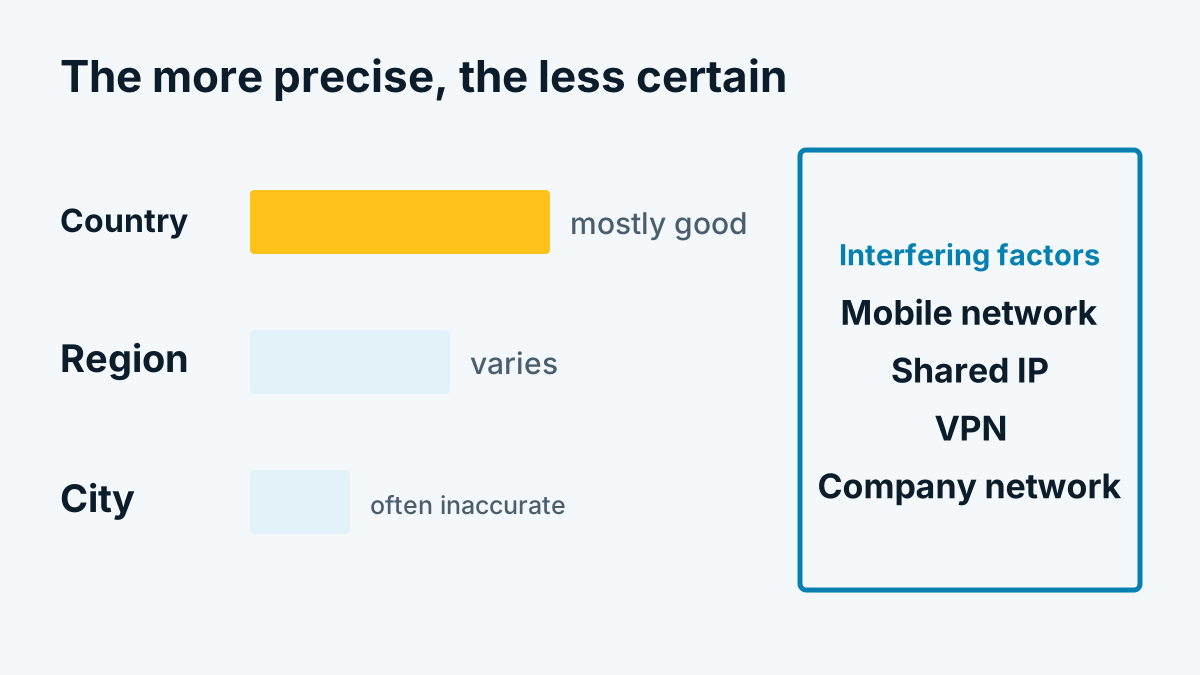
- Shared addresses. Behind an address with a company name there may be several tenants of an office building or coworking space. The name then belongs to the landlord.
- Time limits. DNS queries can hang. Anyone evaluating them in the background must give up after a short time and must not force the answer.
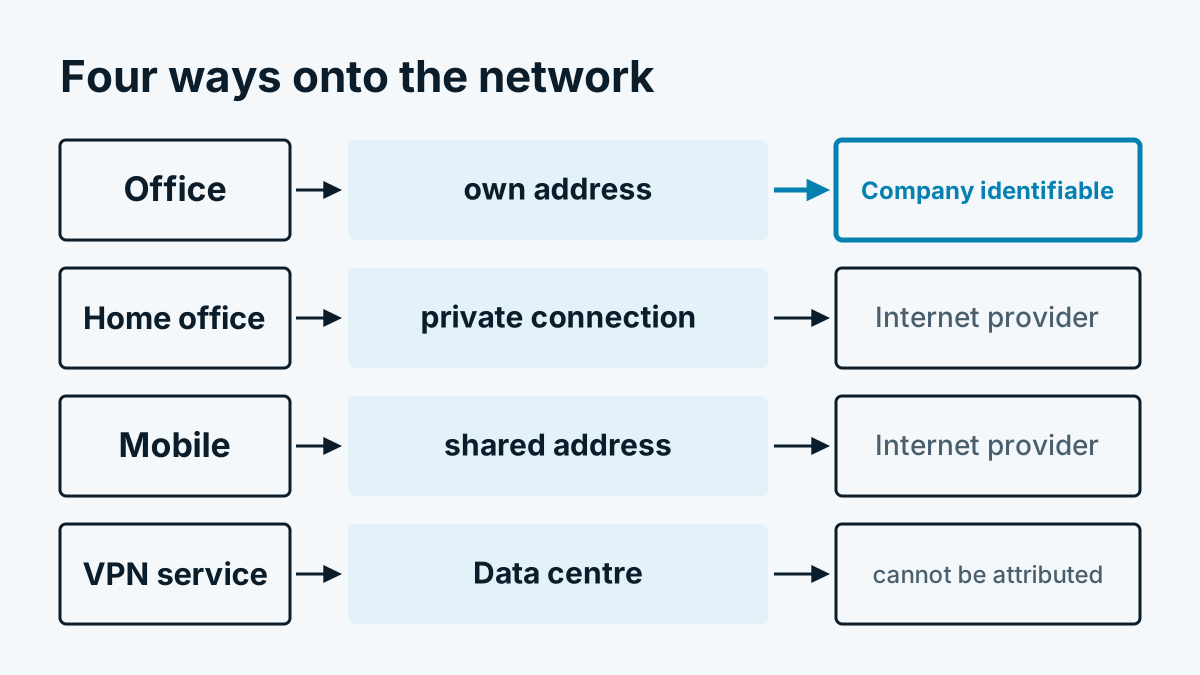
- Home office and mobile. Here there are almost always only generic names. Why that is so is explained in Home office, VPN and mobile: whom you do not see.
How PTR, network directory and evaluation together make up visitor identification is shown in the overview How does company identification work? The technology in 6 steps. It also explains why hit rates vary strongly depending on the target group.
An example from practice: Whovisit uses the reverse lookup only for addresses from provider networks, discards generic names and known provider domains, waits at most two seconds for the answer and remembers only the assignment of domain to company, never the IP address. Which visitor classes exist and what they mean is explained in the help section under Visitor classes: company, internet provider, data centre.
In brief
A PTR record is a voluntary hint about the host name behind an address. It becomes valuable when the name contains the company's own domain and shows no provider patterns. The legal notice usually leads from the domain to the company. Every assignment remains a guess with an error rate. No record is better than a wrong one.