Comparison · 7 November 2026 · 4 minute read
Comparing visitor identification: 12 criteria for choosing
Twelve criteria for comparing visitor identification providers: a table with questions, warning signs and a clean two-week test.
Anyone wanting to buy visitor identification finds dozens of providers with similar promises. A price table helps little, because the difference rarely lies in the price. It lies in the method, in data protection and in honesty about limits. This article is a neutral checklist. It names no brands, rates no products and quotes no prices.
The 12 criteria as a table
| Criterion | Question for the provider | Warning sign |
|---|---|---|
| 1. Identification level | Do you identify companies or also individuals? | Names of individuals without a clear legal basis |
| 2. Method | Where does the assignment come from: network registry, reverse lookup, database? | „Our own AI“ without explanation |
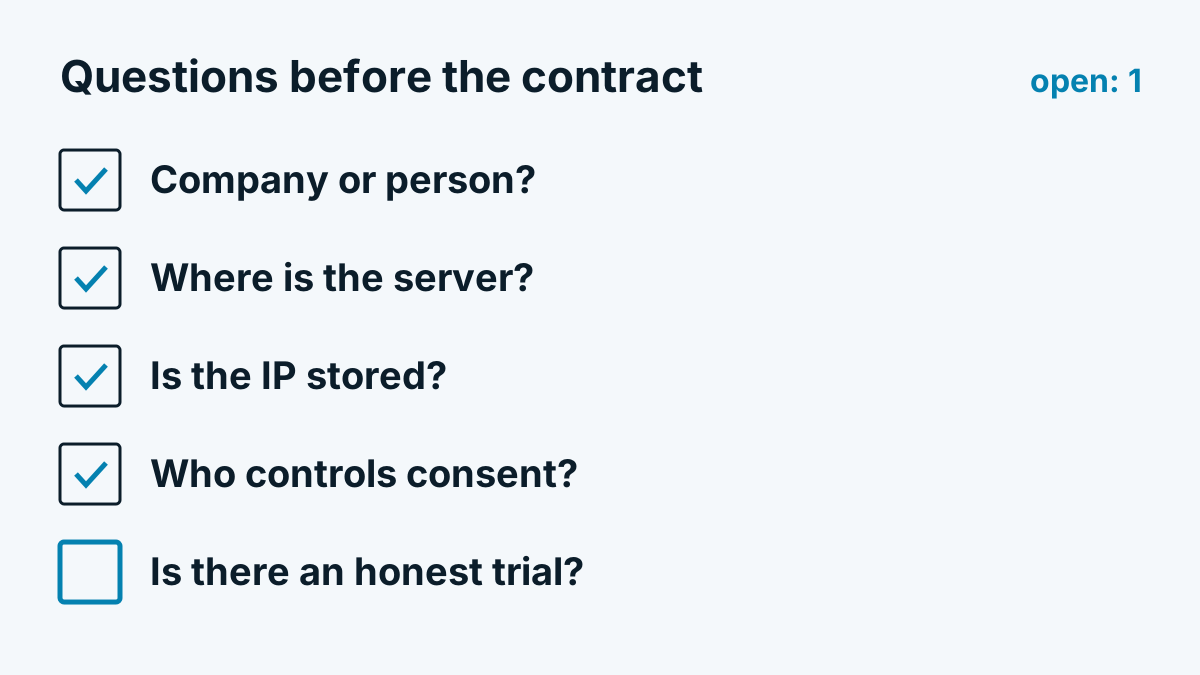
| 3. Cookies and browser storage | What does the script store in the browser, what does it read? | The answer „nothing“ with no way to verify |
| 4. Consent control | Can the script be loaded only after consent? Is there support for tag managers? | Script always loads, banner is only decoration |
| 5. IP storage | Is the IP stored, logged or used only briefly? | Evasive answer, „anonymised“ without a description |
| 6. Server location and subprocessors | Where do the servers and database run? Who are the subprocessors? | No list, location „global“ |
| 7. Retention | How long are visits, videos and reports kept? | No fixed period, no deletion function |
| 8. Data processing agreement | Is there a DPA before first use? | Only terms of use |
| 9. Exports and integrations | Are there CSV, interfaces, a connection to your CRM? | Data visible only in the dashboard |
| 10. Notifications | Do you receive reports or alerts by email when certain companies come? | Only manual checking |
| 11. Transparency about limits | Does the provider say openly whom it does not identify (home office, mobile, VPN)? | Only success stories |
| 12. Option to test | Can you test for two weeks with your own data without a long contract? | Annual contract required before the test |
Questions to ask in the conversation
The table sets the direction. In the conversation, specific follow-up questions help:
- „Show me in a privacy policy how you describe the script. What text should I include on my side?“
- „What happens if a visitor does not consent? Does a request still go to your server?“
- „How many of my visits can I turn into companies? How do you measure that?“
- „Which visitors does your tool not see? Why not?“
- „What happens to my data if I cancel?“
Good providers answer these without detours. They also name things that count against them. That is a better sign than any figure on the home page.
Warning signs
Rates without a measuring method. A figure such as „up to 40 percent of visitors identified“ says nothing as long as it is unclear what is counted: all page views, only company visitors, only visitors with a fixed IP. How much such figures fluctuate is explained in the article Identification rate: why the figures vary so much.
Blanket compliance promises. Whether a deployment is lawful depends on your setup: banner, legal basis, privacy policy. No provider can take that off your hands with a seal. Be suspicious of sentences that assure data protection without any conditions.
Identifying individuals in the EU. Anyone who announces that they identify individual visitors by name and email address without those visitors having entered anything is on thin legal ice. In B2B use, the company level is generally enough for sales work. More on this in the article Visitor identification and GDPR.
How to run a clean two-week test
- Record baseline figures. Note beforehand how many visits your site has per day (for example from your analytics tool). On this: Identifying companies with Google Analytics: what works and what does not.
- Clarify consent first. Load the script only after consent and check in the browser that no request goes to the service beforehand.
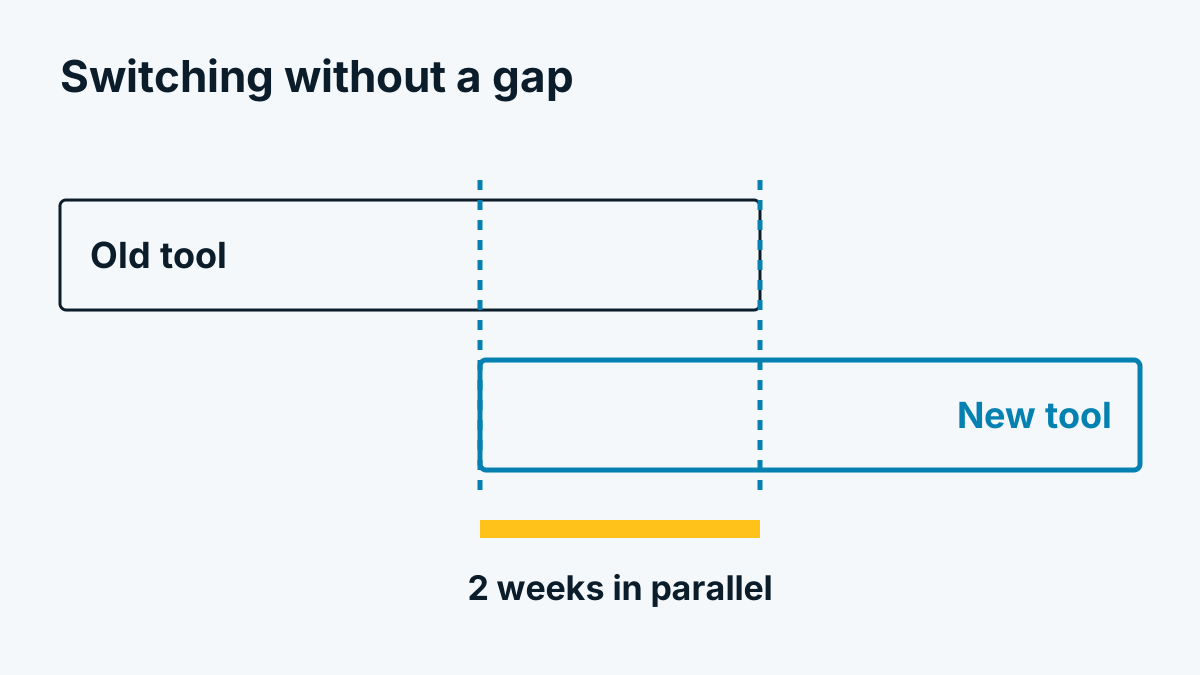
- Let it run for two weeks, at least one cycle including a weekend. B2B visits fall on working days.
- Check samples. Take ten identified companies and check whether they are plausible: does the company fit your market? Are there visits you expect that are missing?
- Note the limits. How many page views remain without a company? The provider should be able to explain why.
- Test the approach in sales. An identified visit is only worth something if someone does something with it. More on this in From the identified company to a conversation.
- Request data protection documents. DPA, list of subprocessors, description of the technology. Details on storage can be found using Whovisit as an example in the help centre under Retention and deletion.
If you first want to clarify what visitor identification can do at all, What visitor identification can do and what it cannot helps.